Fairy Tale Adventures1.1.5
Publisher Description


Explore the magical realm of fairy tales!
With your favorite childhood characters, explore the magical realm of fairy tales. An infinite runner, complete with realistic sounds and high-quality graphics. Touch on the screen to jump, avoid obstacles and collect stars!
FEATURES
- 10 play modes including local multiplayer with 2 players on the same device
- 10+ types of animals to play, including pigs, alpaca, ducks, wolves, bulls, chickens, goats and boars
- Red Riding Hood can be played as the main character
- 5+ background to enjoy
- HQ realistic sounds of animals
- 3+ types of spells to help you get higher score
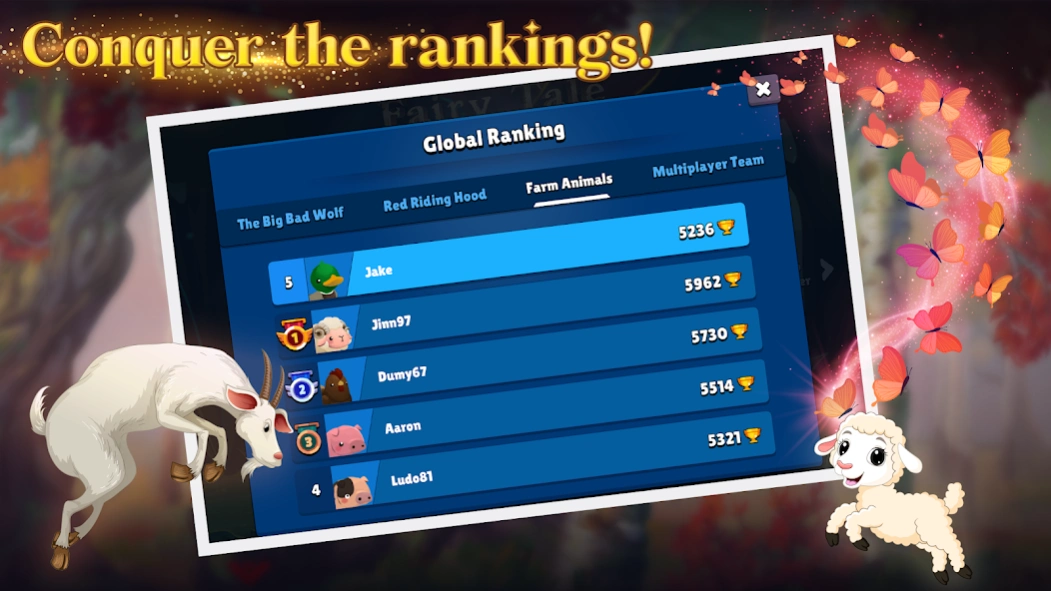
- global ranking across all devices to share your score including a separate ranking for multiplayer modes
- tablet & mobile friendly
COMPLETE RANDOMIZATION
You'll never get bored! Every time you press the play button, a new environment and character will appear. The game features over 20 characters, including baby animals and two types of wolves.
MULTIPLE PLAY MODES
You can play as the Big Bad Wolf, Little Red Riding Hood, or farm animals. You can also switch to multiplayer modes, which allow you to have two players on the same screen at the same time.
GLOBAL RANKINGS
Remember to enter your score in the global ranking. For each of the play modes, there is a different type of ranking.
Follow us on social media:
facebook.com/divinecodeproductions
instagram.com/divinecodeproductions
You can always contact us at contact@divinecodeproductions.com !
About Fairy Tale Adventures
The company that develops Fairy Tale Adventures is DivineCode Productions. The latest version released by its developer is 1.1.5.
To install Fairy Tale Adventures on your Android device, just click the green Continue To App button above to start the installation process. The app is listed on our website since 2022-07-29 and was downloaded 0 times. We have already checked if the download link is safe, however for your own protection we recommend that you scan the downloaded app with your antivirus. Your antivirus may detect the Fairy Tale Adventures as malware as malware if the download link to com.divinecodeproductions.FairyTaleAdventures is broken.
How to install Fairy Tale Adventures on your Android device:
- Click on the Continue To App button on our website. This will redirect you to Google Play.
- Once the Fairy Tale Adventures is shown in the Google Play listing of your Android device, you can start its download and installation. Tap on the Install button located below the search bar and to the right of the app icon.
- A pop-up window with the permissions required by Fairy Tale Adventures will be shown. Click on Accept to continue the process.
- Fairy Tale Adventures will be downloaded onto your device, displaying a progress. Once the download completes, the installation will start and you'll get a notification after the installation is finished.
Program Details
System requirements
Download information
Pricing
Version History
version 1.1.5
posted on 2022-07-29
- stability improvements
